Choose when silent streams stop
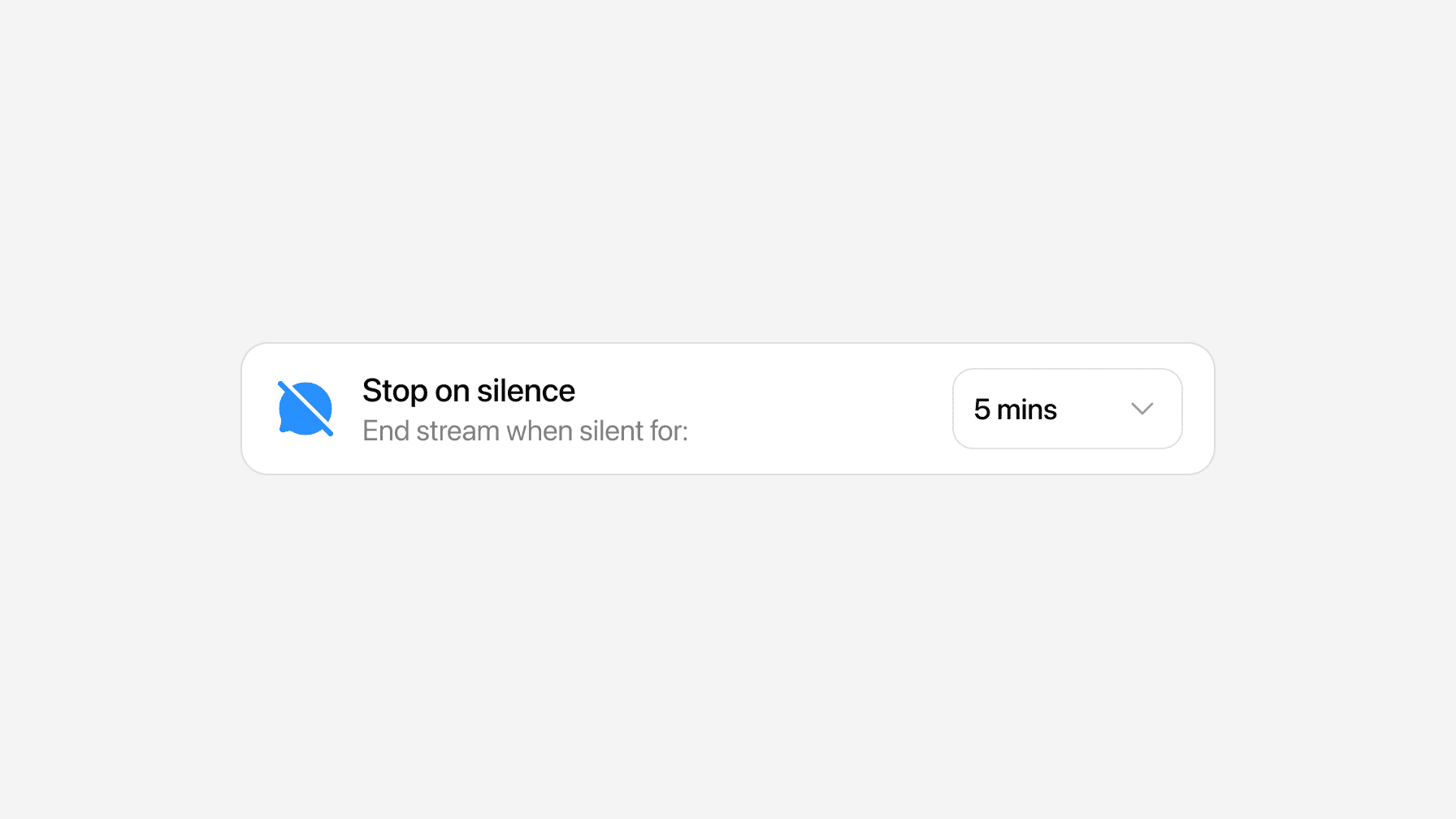
- Stop on silence now lets you choose how long to wait before ending a silent stream: 1, 3, 5, 10 or 15 minutes.
- Find it under Session options on the Broadcast page.
- If you already had it turned on, it still stops after 1 minute, just like before.
- You'll still get a warning 10 seconds before the stream ends, so you can keep it going.