The best way to run CaptionKit on your Mac
Automatic updates, background processing & more stable connections. There's a lot to love about using the new Mac app.
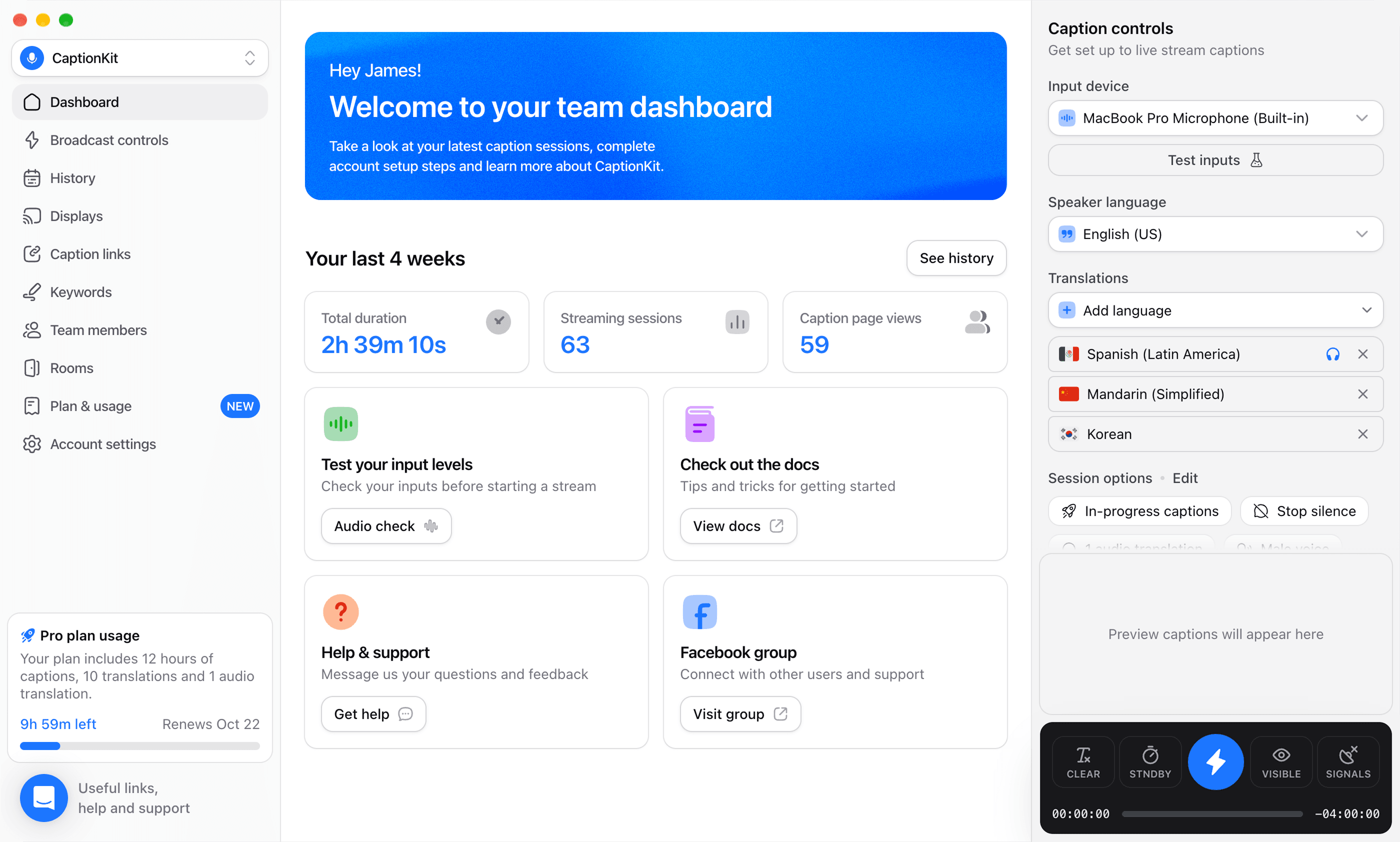
Automatic updates. Stay up to date with the latest features and improvements.
Stay connected. Signals keep flowing even when the app is running in the background.
Native performance. Load faster and run smoother, without having to share browser tabs.
All the tools your team needs
We built CaptionKit to be a perfect fit for churches of all sizes and technical setups.
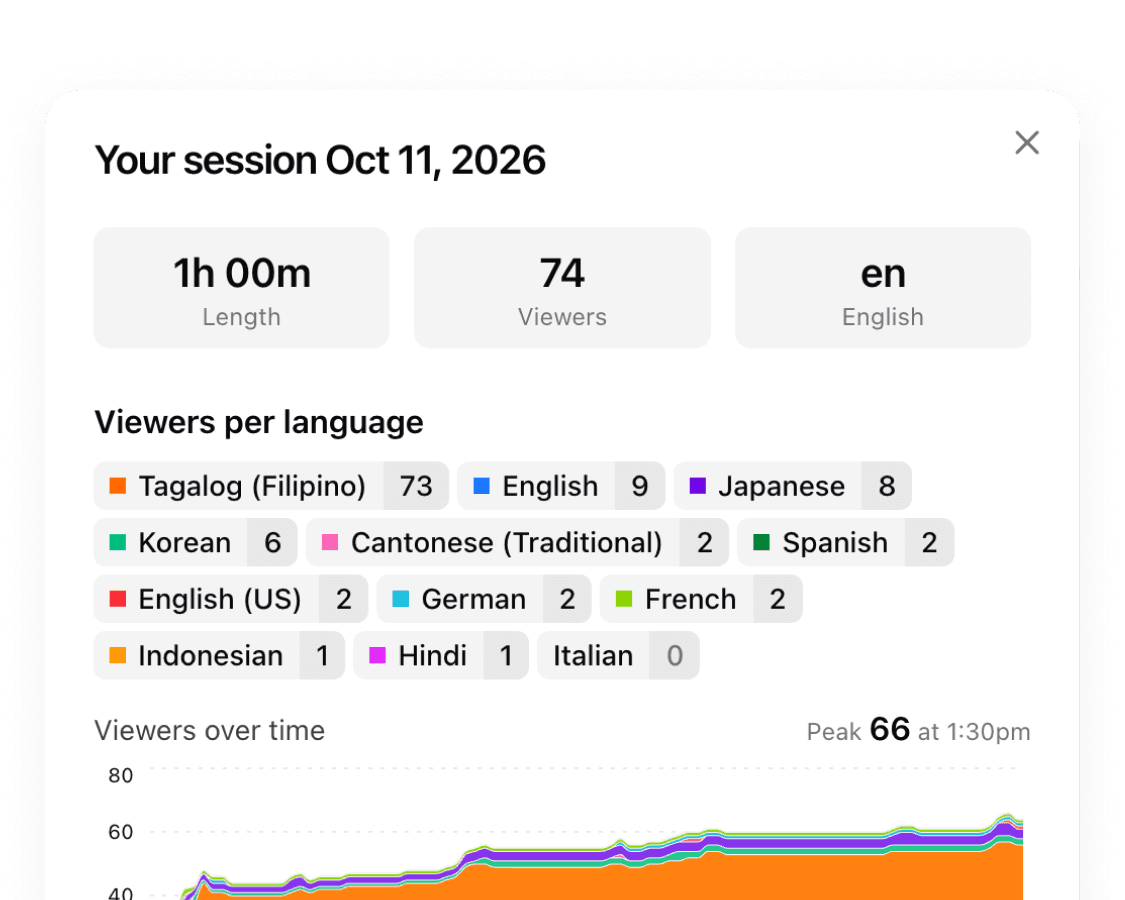
History & analytics
Explore past services and see how many people used each language.
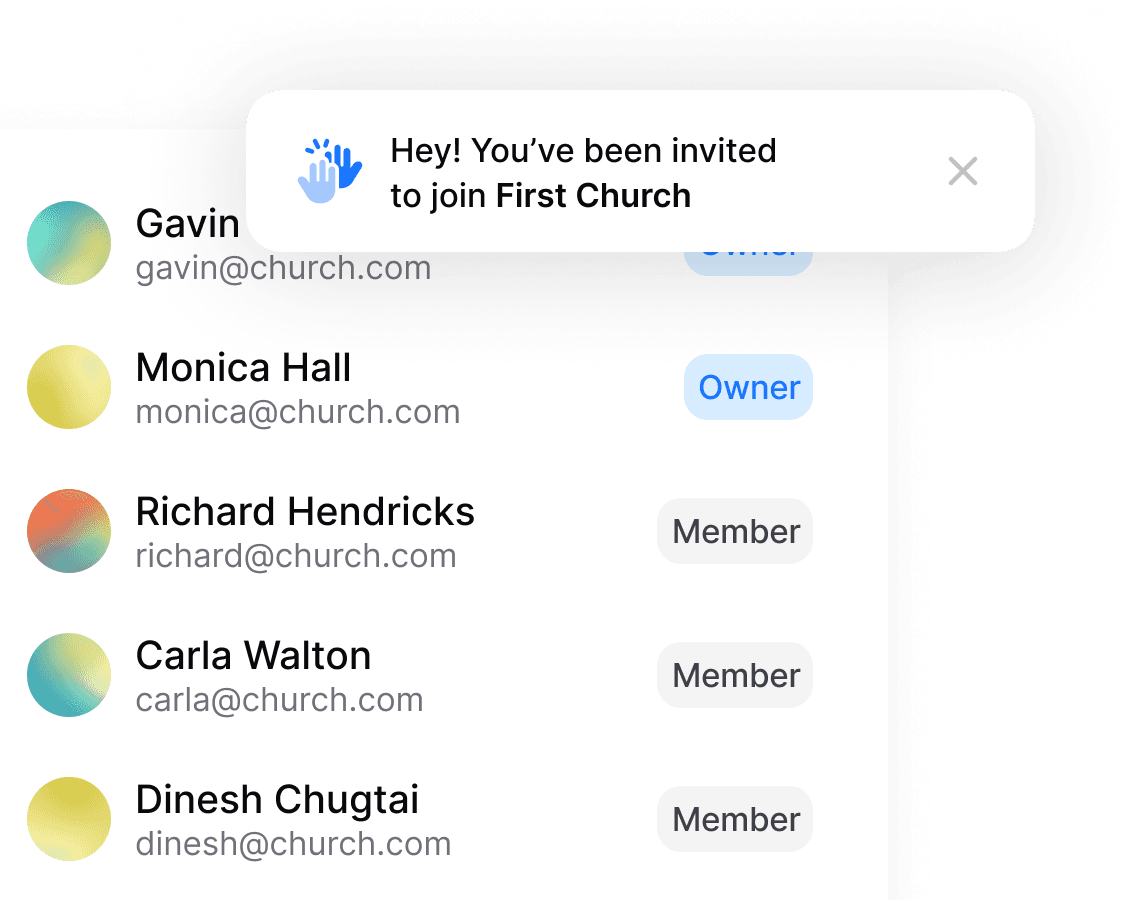
Invite the whole team
With no limits on dashboard users or logged in devices.
No install needed
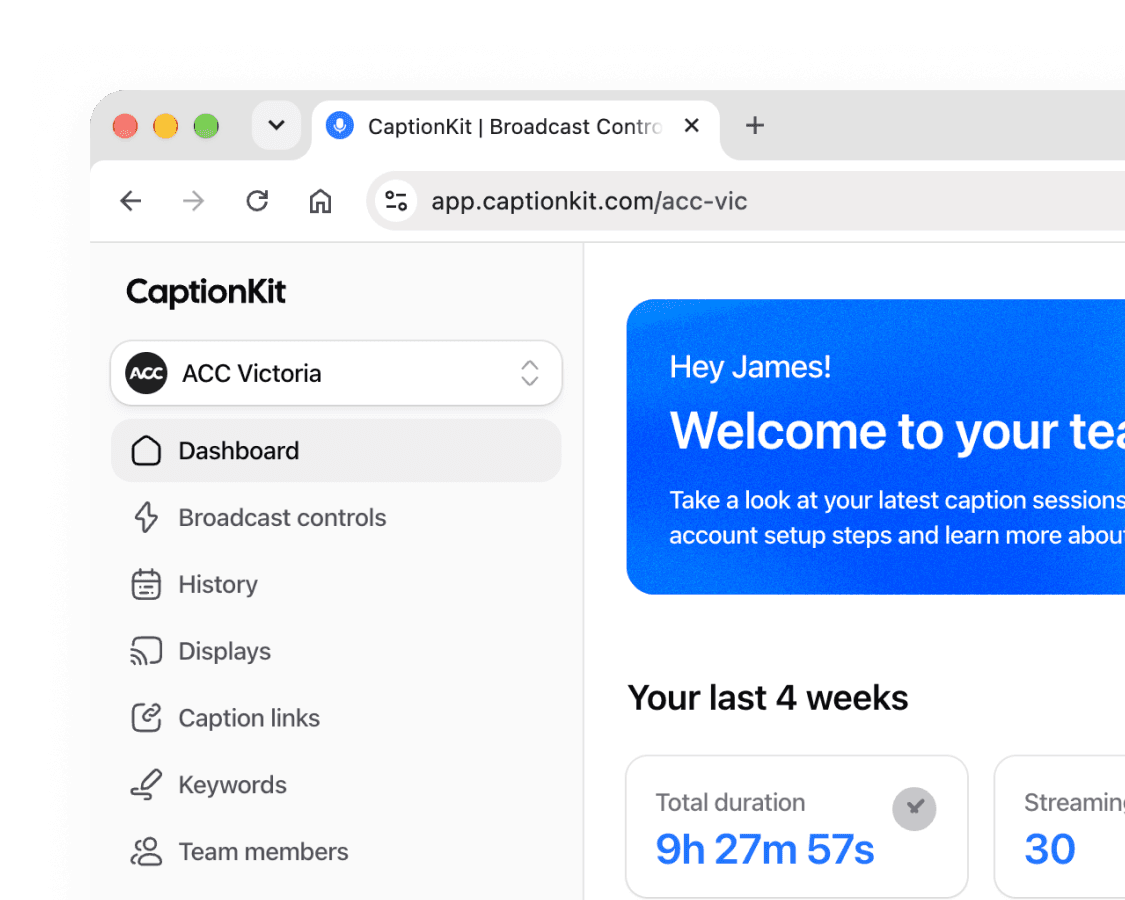
Get started in any modern browser, use the Mac app if it works for you.
Frequently Asked Questions
Which download do I need?
Open the Apple menu and choose About This Mac. If it shows a chip starting with Apple M, download the Apple Silicon version. If it shows an Intel processor, download the Intel version.
What version of macOS do I need?
macOS 12 Monterey or later.
Does the Mac app cost extra?
No. The app is a free download. Sign in with your CaptionKit account and it uses your existing plan. New churches start with the same 4 free hours as on the web.
What's different from using CaptionKit in a browser?
It's the same dashboard, but browsers slow down background tabs, which can drop the caption and signals connections. The app keeps running at full speed when it's hidden or minimized, updates itself, and there's no tab to close by accident.
Can I use other apps while it's running?
Yes. While a session is live, the app stops macOS from putting it to sleep. Your display can still turn off and captions keep going.
Will an update interrupt my service?
No. Updates download in the background and only install when you quit the app.
How do I connect my soundboard?
Use any audio input your Mac recognizes, like a USB audio interface or the built-in microphone. macOS will ask for microphone permission the first time.
Is there a Windows version?
Not yet. Churches on Windows can run CaptionKit in any modern browser.